
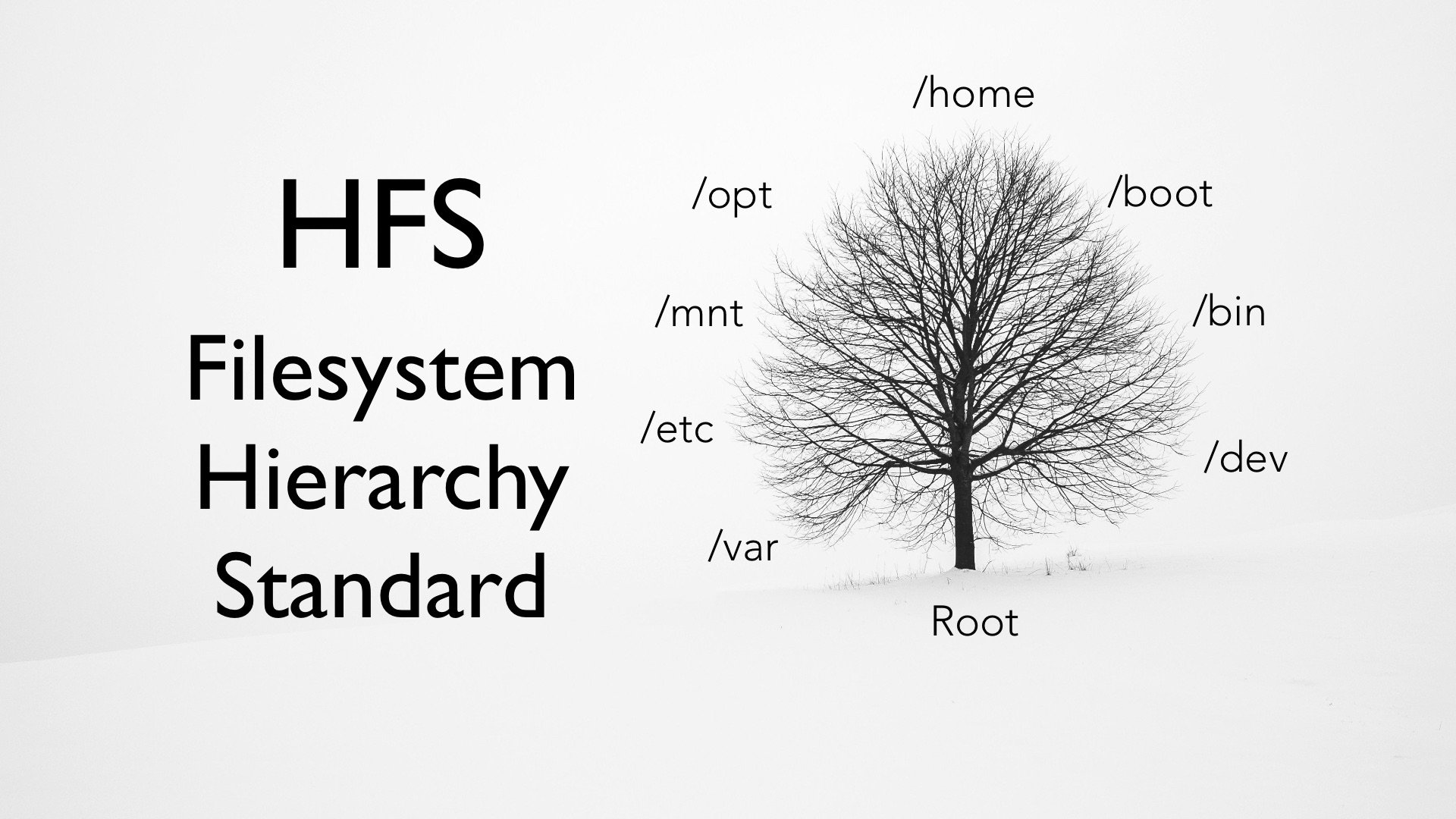
A world where every file, program, and configuration has its exact place in a large tree. This is the FHS (Filesystem Hierarchy Standard), a structure that not only makes system administration easier but also improves security and efficiency in Linux.
Getting started
Linux is known for its stability, security, and flexibility. One of the keys to this success is its hierarchical directory tree, a logical scheme that organizes every system file in a structured way. By understanding this tree and how directories are distributed, both new users and system administrators can make the most of Linux. This article explains each part of the hierarchy in simple terms and helps you understand why it matters in technology.
What is the hierarchical directory tree?
The hierarchical directory tree in Linux is the structure used to organize all files and folders. It is called a “tree” because, like a real tree, it has a root and many branches. At its base is the root directory, represented by a slash “/”, from which every other directory descends. This organization keeps the system clear and easy to navigate, even when it contains thousands of files.
Basic directory tree structure
The root directory (/)
The root directory is the starting point of the entire file system. It is the only directory at the highest level of the hierarchy. Every other directory and subdirectory branches out from it to store applications, configurations, and data. This directory is essential to the operation of Linux.
Essential directories: /bin and /sbin
-
/bin: Contains essential programs for the system, such as basic commands that any user can run. It is one of the first directories involved when commands are executed in the terminal.
-
/sbin: Similar to /bin, but focused on tools and utilities normally used by the system administrator. Keeping it organized is important for maintaining the system’s integrity and security.
Configuration and user directories: /etc, /usr, and /home
-
/etc: Stores the system’s configuration files. It contains the parameters and settings that customize how Linux works.
-
/usr: Contains programs, libraries, and documentation that are not essential for booting but are needed for everyday use. It can be divided into subdirectories such as /usr/bin and /usr/lib.
-
/home: Stores each user’s personal data. Every user account has its own subdirectory inside /home, which makes individual information easier to manage and protect.
Why the hierarchy matters in Linux
Organizing the system as a tree has several advantages:
-
Clarity and organization: With a well-defined directory system, it is easier to find and manage files. Everything has its place, which reduces confusion and makes maintenance easier.
-
Security: By separating system files from user files, Linux can apply more effective security measures. For example, /etc contains critical configurations and is protected against accidental or malicious changes.
-
Easier administration: For system administrators, understanding this hierarchy is essential. It allows them to back up files, update configurations, and troubleshoot problems more quickly and efficiently.
How to navigate and manage the directory tree in Linux
Simple terminal commands are used to explore and manage this tree of directories. Some basic commands include:
-
cd: Change directory.
-
ls: List files and subdirectories.
-
pwd: Show the path of the current directory.
-
mkdir: Create a new directory.
-
rm: Remove files or directories.
These commands are a starting point for anyone who wants to explore Linux more deeply. Their simplicity makes it possible for new users to understand them and begin exploring this fascinating system.
Official resources and useful links
If you want to learn more about the directory hierarchy and other aspects of Linux, it is worth visiting official resources. You can find current documentation and information at Kernel.org and the Linux Foundation. These sites offer a wide range of resources, guides, and news about the development and evolution of Linux.
Conclusion
The hierarchical directory tree in Linux is the backbone of the system, a structure designed to provide order, security, and efficiency. Understanding each of its components, from the root directory to specific subdirectories, is essential for taking advantage of everything Linux offers. With such a clear and deliberate organization, beginners and experts alike can enjoy a reliable and secure working environment. The next time you use Linux, remember that behind every command and file there is a carefully designed system that makes everyday work easier. Explore, learn, and get the most out of this powerful operating system.