
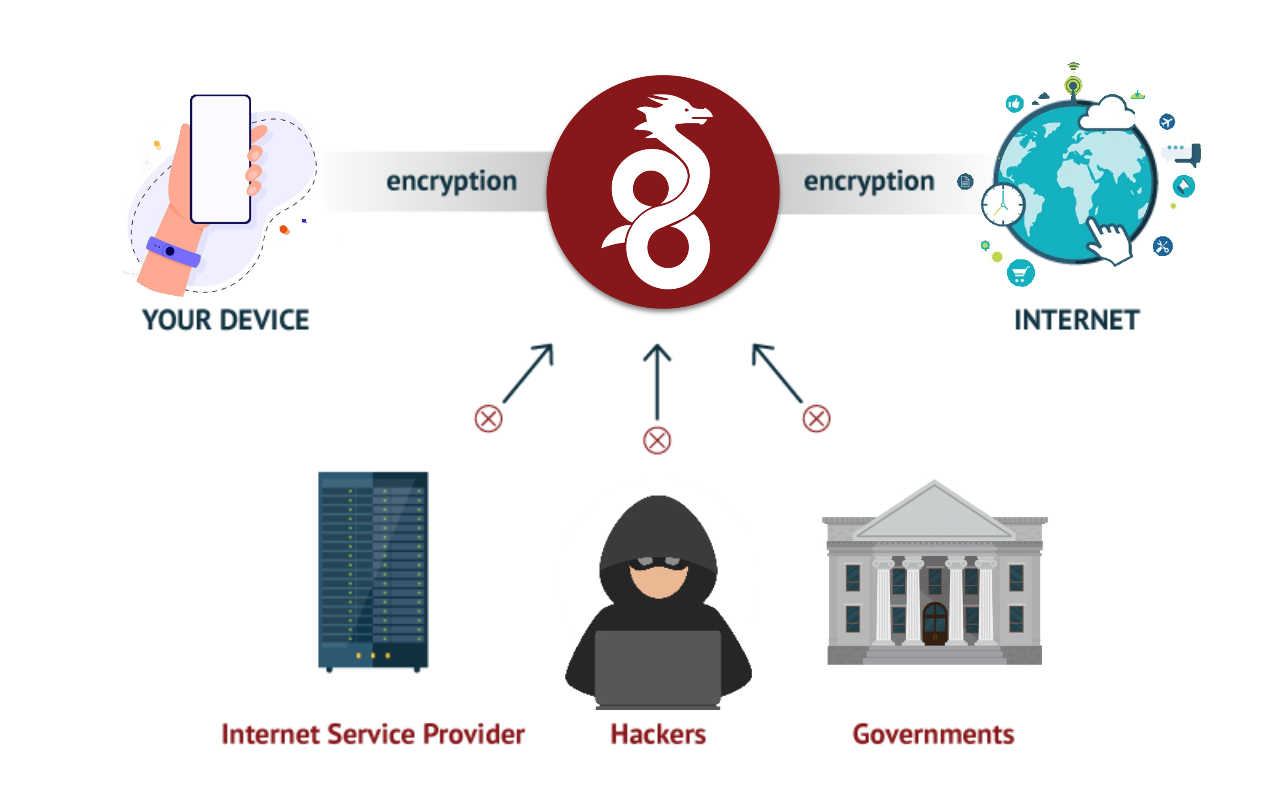
If you are concerned about the security of your WireGuard VPN server running on Linux, you are in the right place. In this article, we will guide you through the best practices and essential configurations for protecting your server and ensuring a secure experience for your users.
Why Is VPN Server Security Important?
Before going into the details, it is crucial to understand the importance of security on a VPN server. A VPN server acts as a secure tunnel that protects data communication between devices and networks. Without proper configuration, your VPN server could be vulnerable to attacks and compromise your users’ privacy.
Secure WireGuard Configuration
-
Regular Updates: Keep both WireGuard and your operating system up to date. Use commands such as
sudo apt update && sudo apt upgradeon Ubuntu/Debian orsudo yum updateon CentOS/RHEL to apply the latest security updates. -
Key Generation: Use the
wg genkeycommand to generate secure keys on both the server and clients. For example:
-
wg genkey | sudo tee /etc/wireguard/privatekeyfor the server’s private key. -
wg genkey | sudo tee /etc/wireguard/peer_privatekeyfor the client’s private key.
- Strong Encryption: Configure data encryption with strong algorithms. In the
wg0.confconfiguration file, usePrivateKeyfor the private key andAllowedIPsto specify permitted IP addresses. Example:
[Interface]
PrivateKey = <server private key>

[Peer]
PublicKey = <client public key>
AllowedIPs = 10.0.0.2/32- Firewall: Use iptables or nftables to configure a firewall that allows only necessary VPN traffic. For example:
sudo iptables -A INPUT -p udp --dport 51820 -j ACCEPT  # Allow WireGuard traffic
sudo iptables -A INPUT -j DROP  # Block everything else
Useful Tips for Greater Security
-
Key Authentication: Use key-based authentication instead of passwords for more secure VPN connections.
-
Session Monitoring: Use
wg showto monitor active sessions and detect unauthorized connections. -
Activity Logs: Enable activity logs to audit important events and detect potential security problems.
-
User Education: Teach users secure practices, such as using strong keys and regularly updating devices.
With these configurations and tips, you will be on your way to significantly improving the security of your WireGuard VPN server on Linux. Remember to keep everything updated and perform regular audits to ensure ongoing protection. Protect your privacy and your users’ privacy today.
Do you have a question or want to share your experience? Leave a comment below. We are here to help you improve your VPN security.