
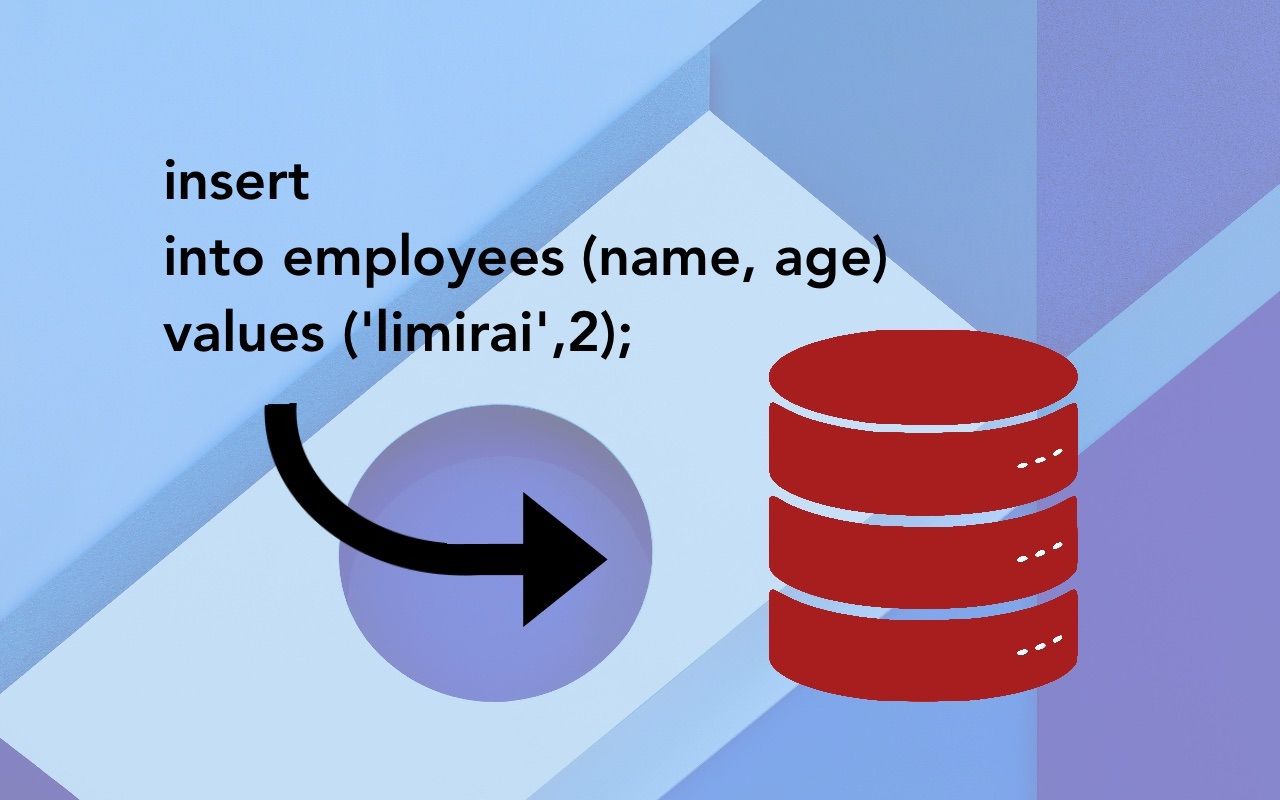
In this article, I will teach you step by step how to work with the INSERT statement in Oracle, with practical examples and useful tips. By the end, you will have the confidence and knowledge needed to handle this crucial task with ease.
Recently, we talked about updates in Oracle databases, which are important when information needs to be updated. Before getting started, however, it is important to keep in mind that an INSERT is a statement that allows new records to be inserted into a database table.
What Is the INSERT Statement in Oracle?
The INSERT statement in Oracle is used to add new rows to a table. It is one of the most common and essential operations in database management. Understanding how to use it correctly is essential for maintaining the integrity and accuracy of your data.
Basic Structure of the INSERT Statement
The basic syntax of the INSERT statement in Oracle is as follows:
INSERT INTO nombre_de_la_tabla (columna1, columna2, columna3, ...)
VALUES (valor1, valor2, valor3, ...);
Basic Example
Suppose we have a table called empleados with the following columns: id, nombre, and salario. To insert a new row into this table, we would use the following statement:
INSERT INTO empleados (id, nombre, salario)
VALUES (1, 'Juan Pérez', 50000);
In this example, we are inserting a new row with id 1, nombre ‘Juan Pérez’, and salario 50000.
INSERT Options and Variations
INSERT with Specific Columns
It is not always necessary to insert values into every column of a table. You can specify only the columns into which you want to insert data:
INSERT INTO empleados (nombre, salario)
VALUES ('Ana Gómez', 60000);
In this case, Oracle will assign a null value or the default value to the id column, depending on the table configuration.
INSERT with a Subquery
You can also use a subquery, which we discussed generally here, instead of a list of values. This is useful when you want to insert data from another table:
INSERT INTO empleados (id, nombre, salario)
SELECT id, nombre, salario
FROM nuevos_empleados;
This example inserts all the rows from the nuevos_empleados table into the empleados table.
Tips for Using INSERT Efficiently
Data Validation
Before inserting data into a table, make sure that it meets the table’s constraints, such as primary keys and foreign keys. This will prevent errors and ensure data integrity.
Using Transactions
It is recommended to use transactions when inserting data into a database. Transactions allow you to group several operations into a single unit of work, ensuring that they all complete successfully or are rolled back in the event of an error:
BEGIN TRANSACTION;

INSERT INTO empleados (id, nombre, salario)
VALUES (2, 'Laura López', 55000);

COMMIT;
If an error occurs during the transaction, you can use ROLLBACK to undo all operations performed up to that point.
Common Errors and How to Avoid Them
Constraint Violations
One of the most common errors when using the INSERT statement is violating constraints, such as duplicate primary keys. To avoid this, always verify that the data is unique before inserting it.
Incorrect Data Types
Make sure that the values you insert match the data types defined for each column. For example, do not try to insert a text string into a numeric column.
Conclusion
The INSERT statement is a powerful Oracle tool for adding data to your tables. Understanding its syntax and best practices will help you keep an organized, error-free database. Always remember to validate your data and use transactions to ensure the integrity of your operations.
Now it is your turn! Try these techniques in your own database and see how the data insertion process becomes simpler. If you have any questions or need more examples, feel free to leave a comment.